Already have a WordPress website? Connect it to Host Dada's WPBuild over FTP, wherever it's hosted. WPBuild scans it, makes a private staging copy and lets you change it by asking, without touching your live site until you approve.
Before you start
- A Host Dada's WPBuild plan, and your WPBuild login.
- Your website's FTP login: the server address, username and password. Your hosting company can give you these. WPBuild works with FTP and FTPS (FTPS is encrypted and recommended). It doesn't use SFTP.
- Your site address (for example
https://www.yourbusiness.co.uk).
Step-by-step
- Choose Add a site, then Connect an existing site. From your dashboard, press + Add a site and choose Connect an existing site.
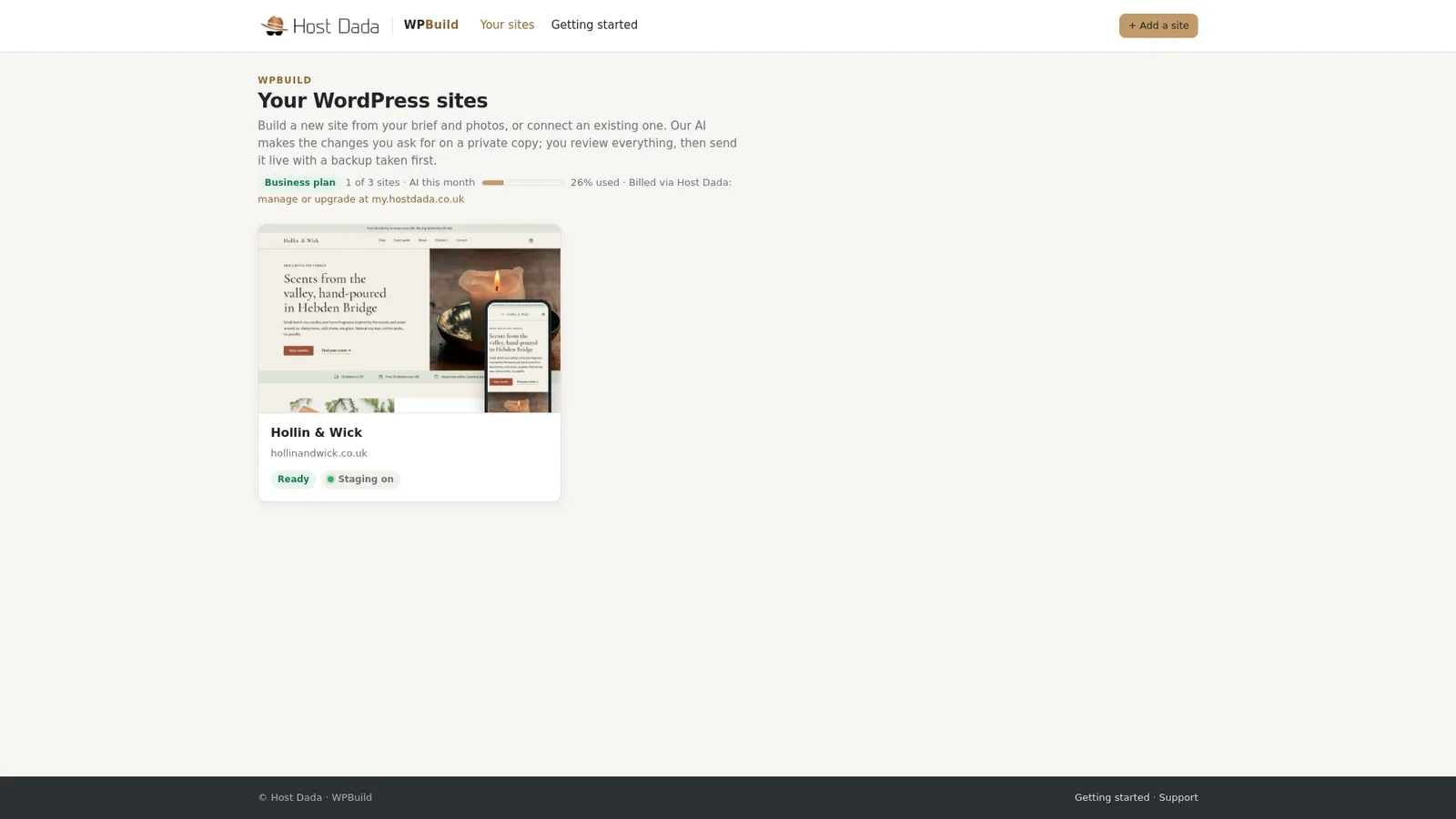 Start from your dashboard.
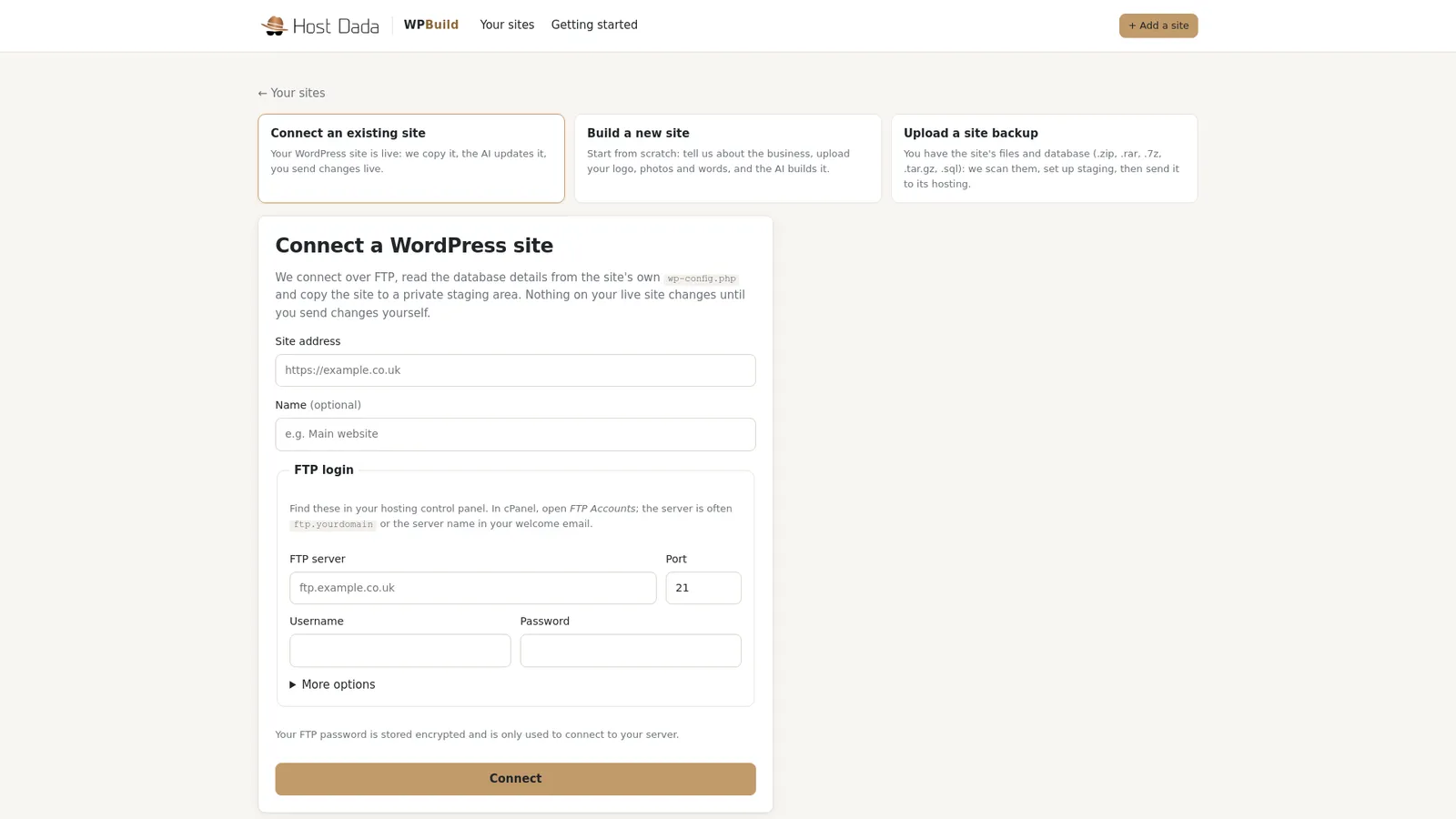 Connect an existing site asks for your site address and FTP login.
- Enter your site address and FTP login. Fill in the site address, the FTP server, Port, Username and Password. Under More options, choose the encryption (FTPS is recommended) and, if WordPress is in a sub-folder, the WordPress folder. Then press Connect. Your FTP password is stored encrypted and only used to connect to your server.
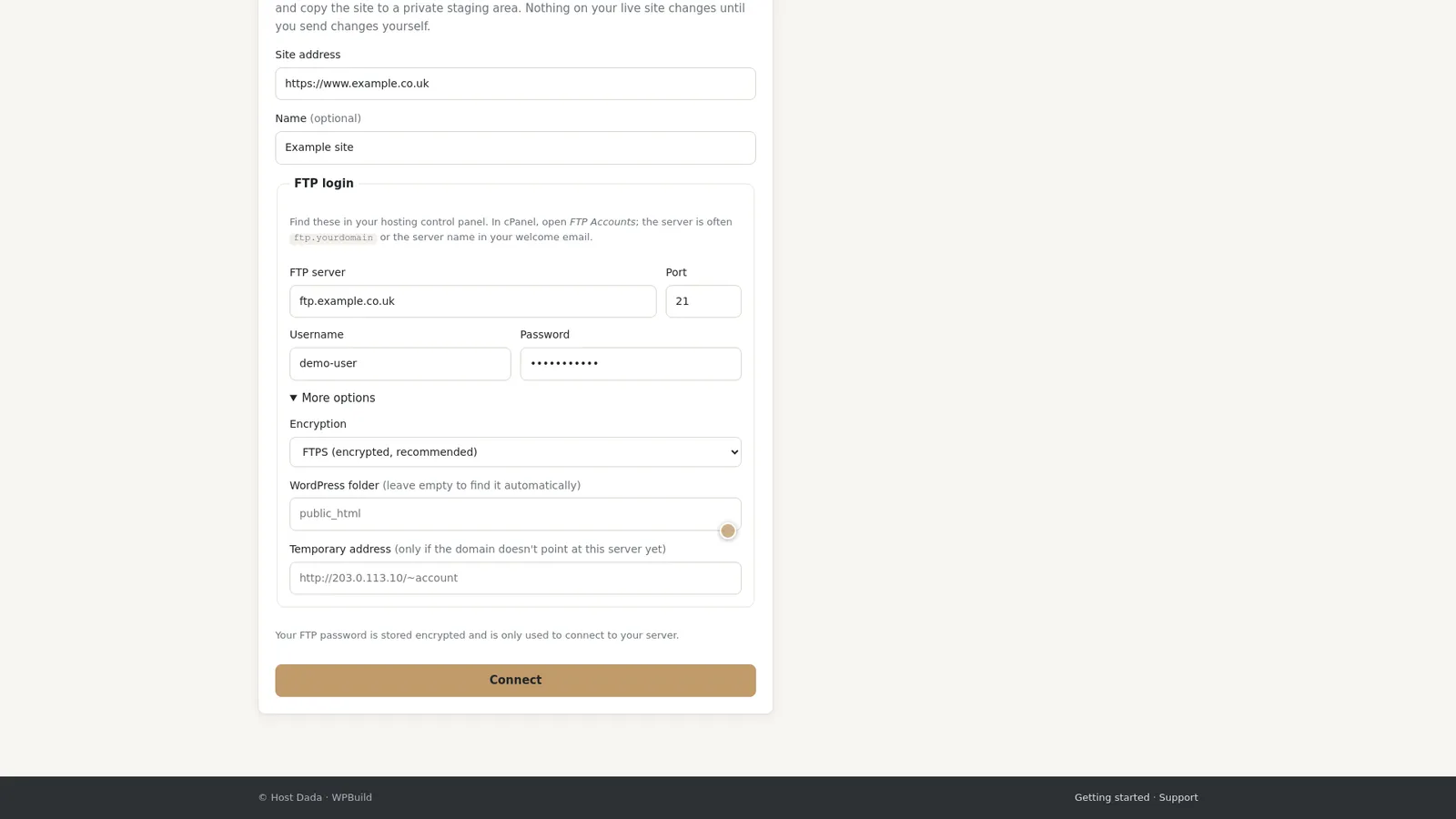 Example values shown. Use the details from your hosting company.
- Find the site on your dashboard. Once connected, the site appears beside any others, with a snapshot of your live site.
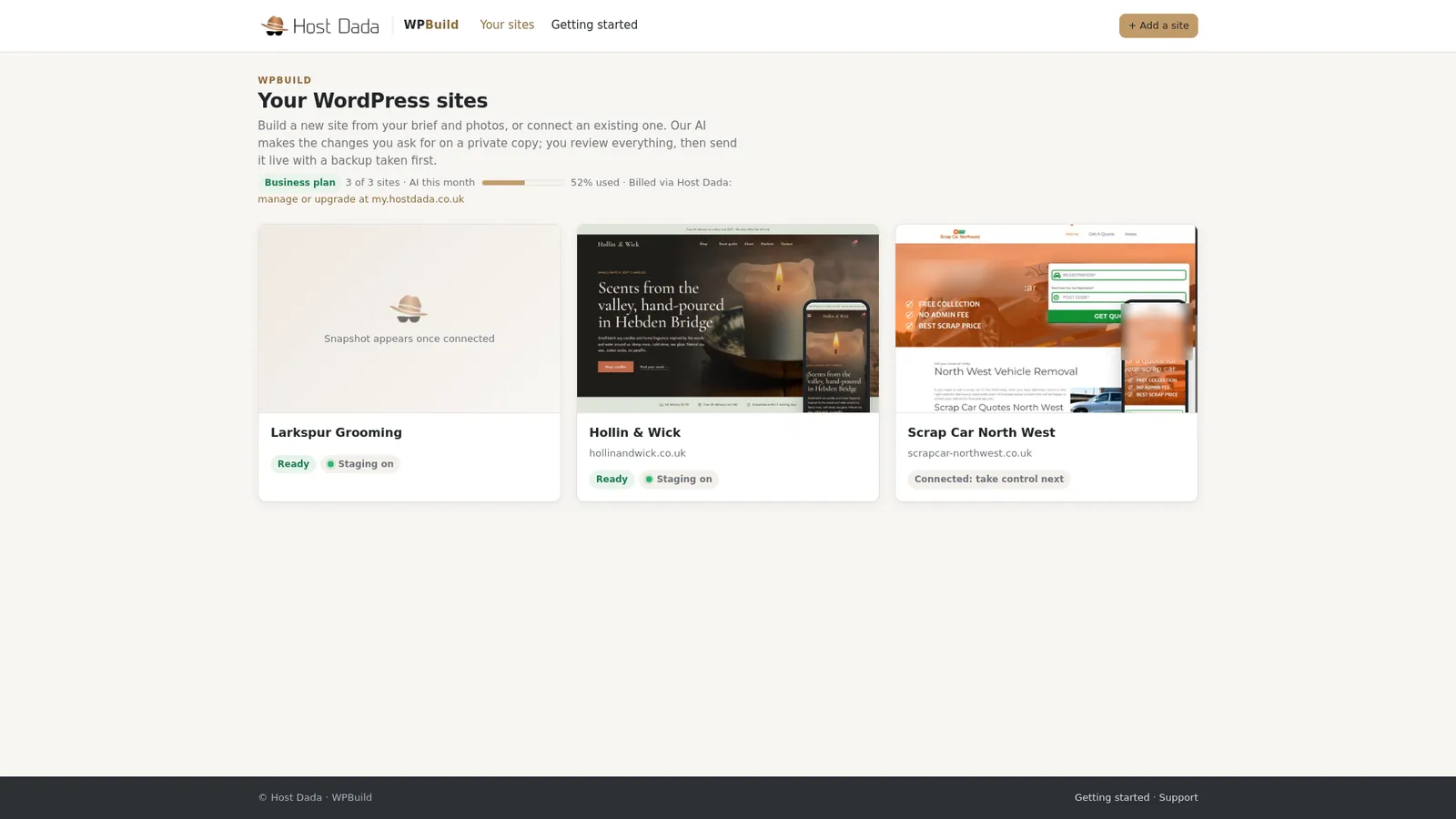 Scrap Car North West, a real business site, shown with the owner's permission.
- Run the malware check and take control. On the site page, press Scan and take control. WPBuild scans your site for malware first. If it's clean, it copies the site to a private staging area.
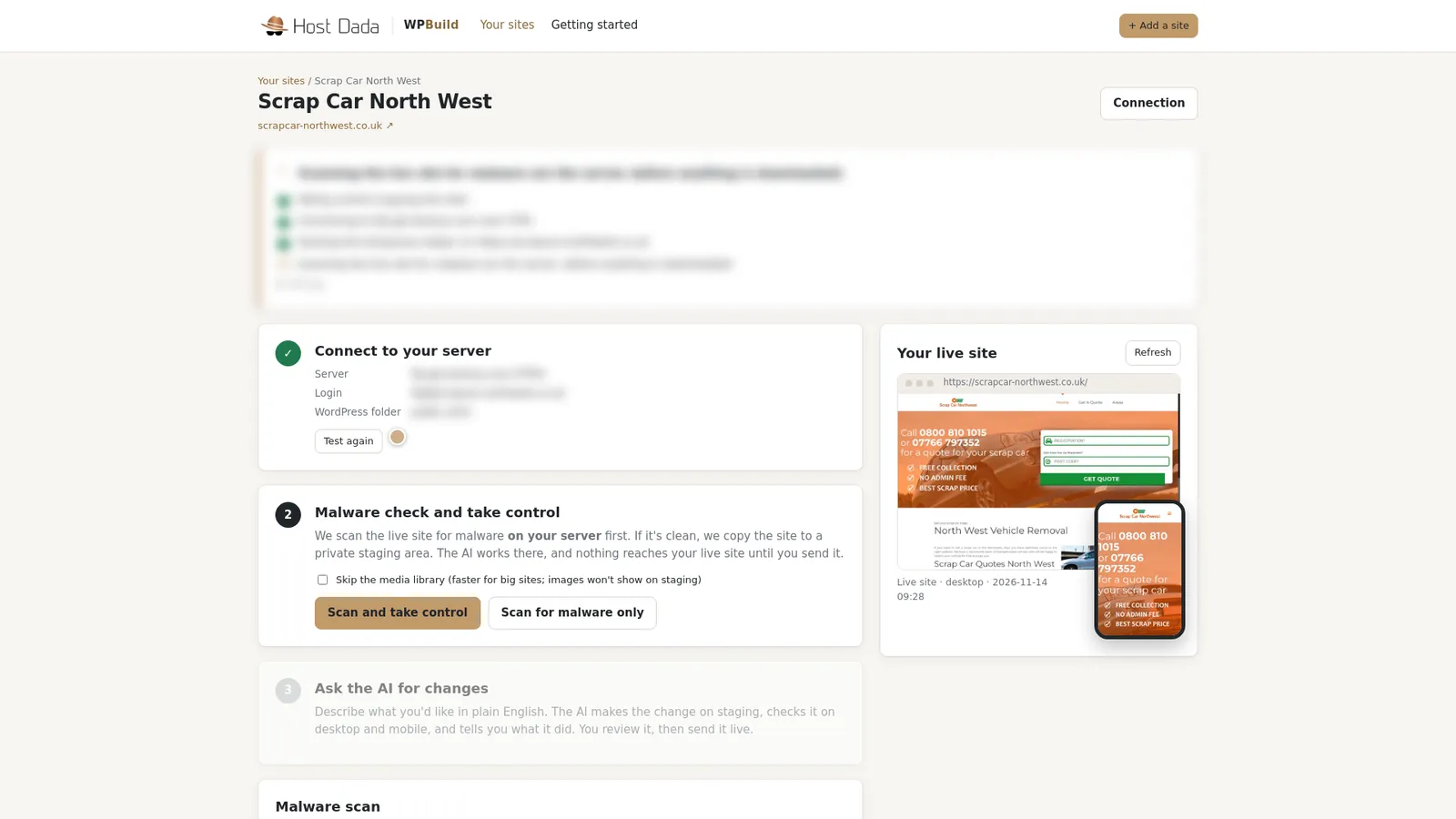 The scan runs on your own server first.
- Look round your staging copy. When the site shows Staging ready, open the Preview tab. This is where every change happens. It keeps your theme, your plugins and your page builder, so if you use Elementor, it stays Elementor.
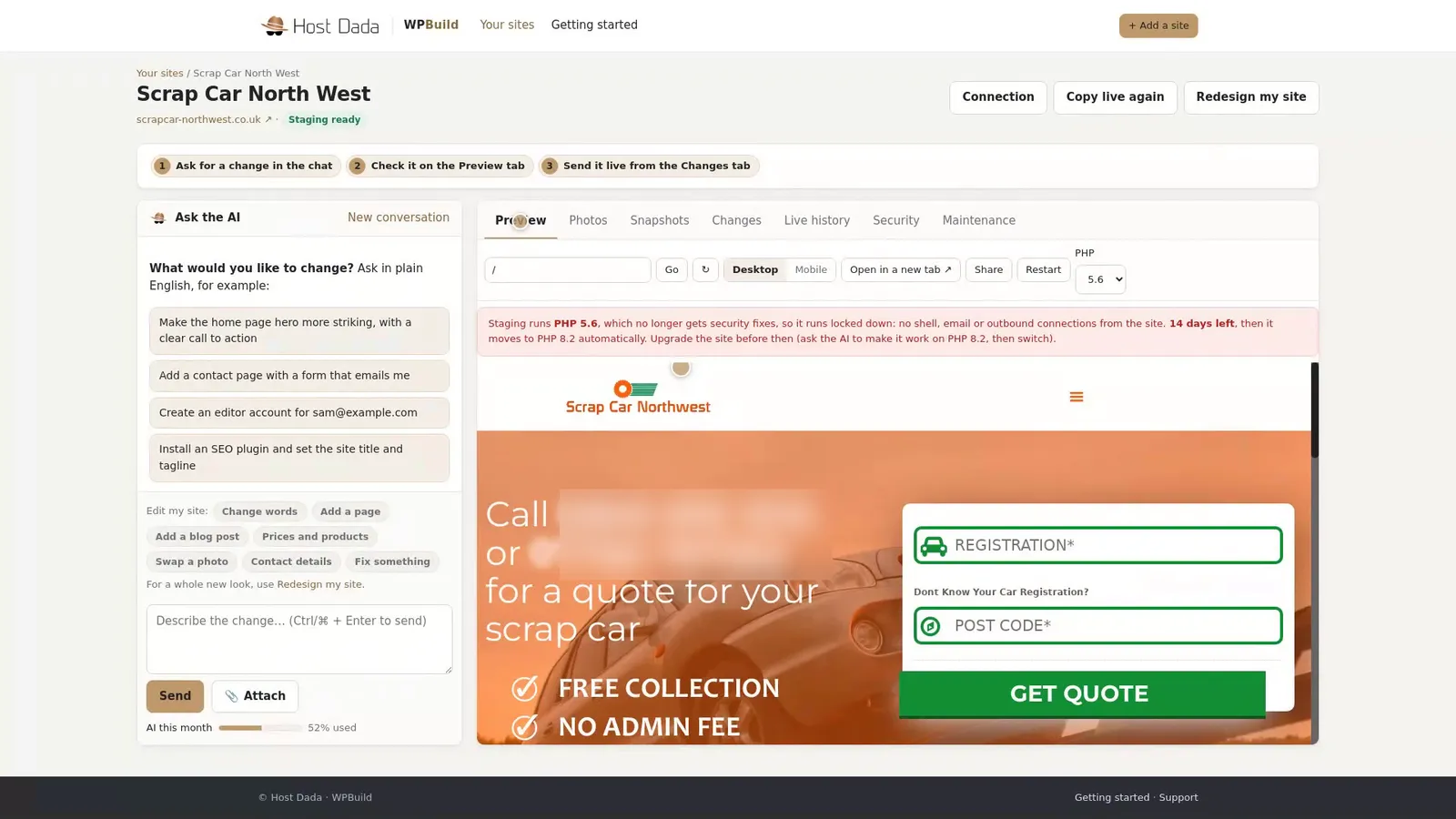 The staging copy: same theme, same plugins. Phone numbers blurred for this guide.
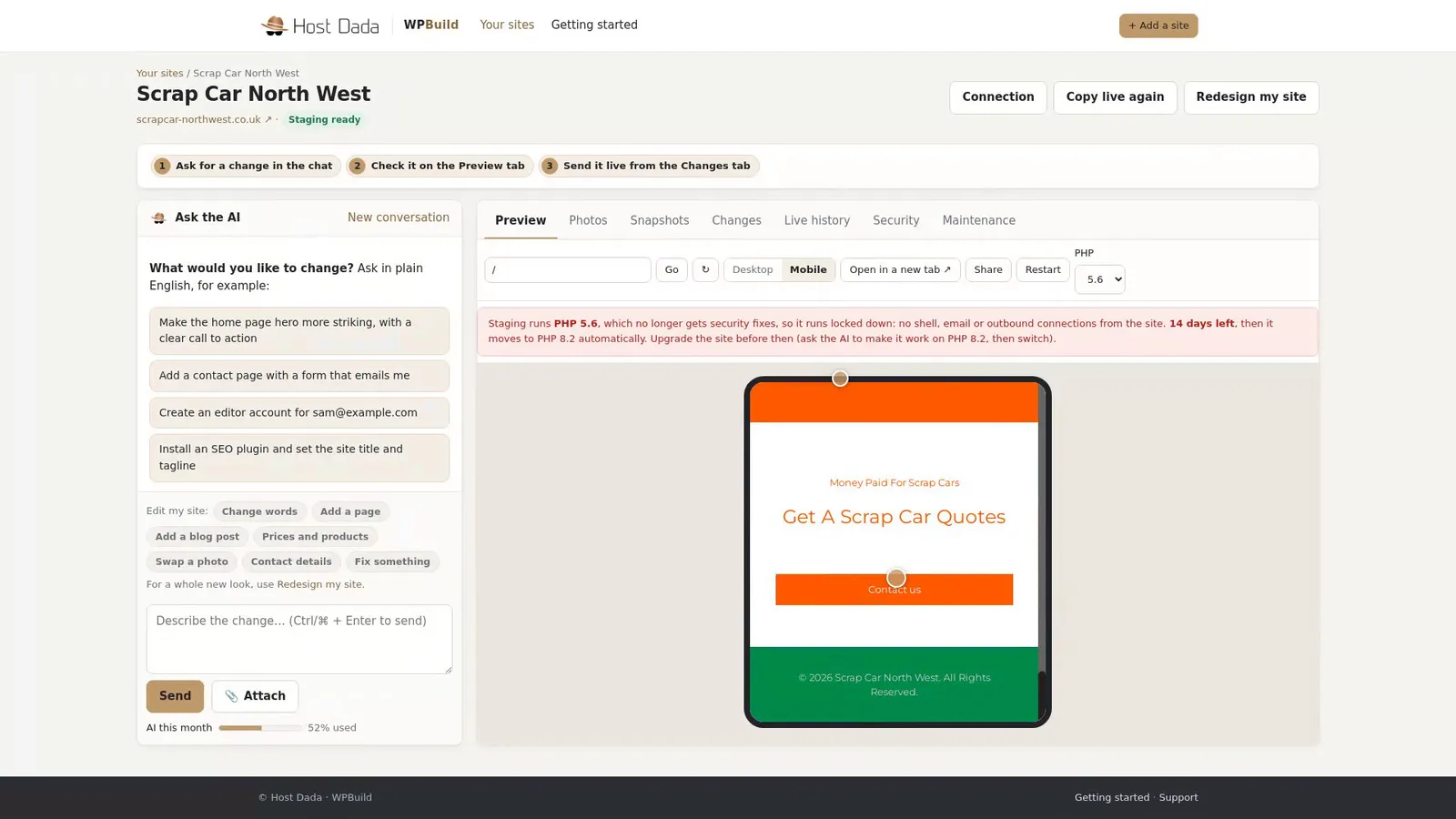 Check it on mobile too.
- See what's installed. The Maintenance tab shows your WordPress and PHP versions, your plugins and theme, and any updates waiting.
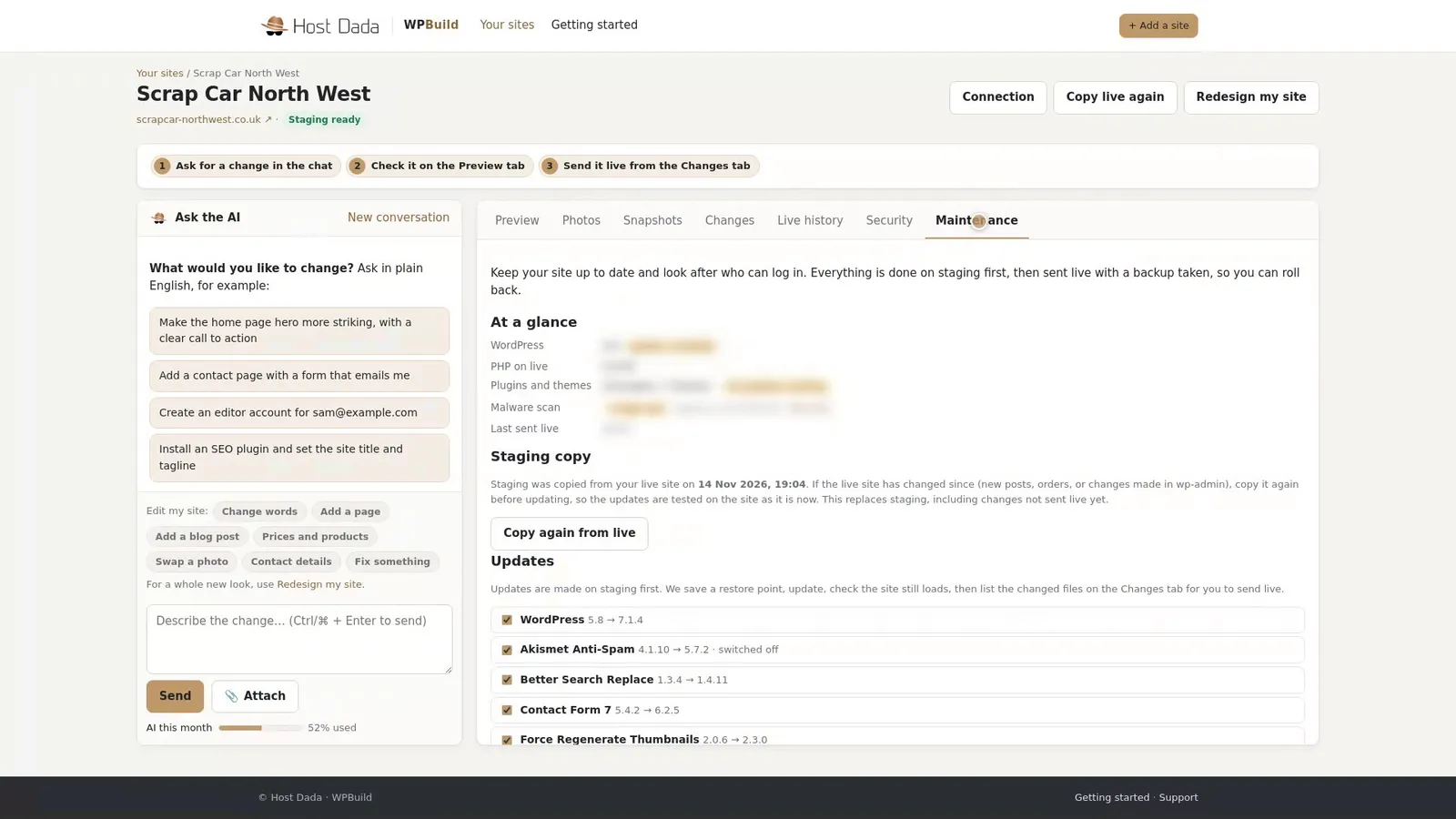 Everything on your site, in one place.
- Ask for changes in plain English. Type what you want in the chat, check it on the staging copy, and send live only what you approve.
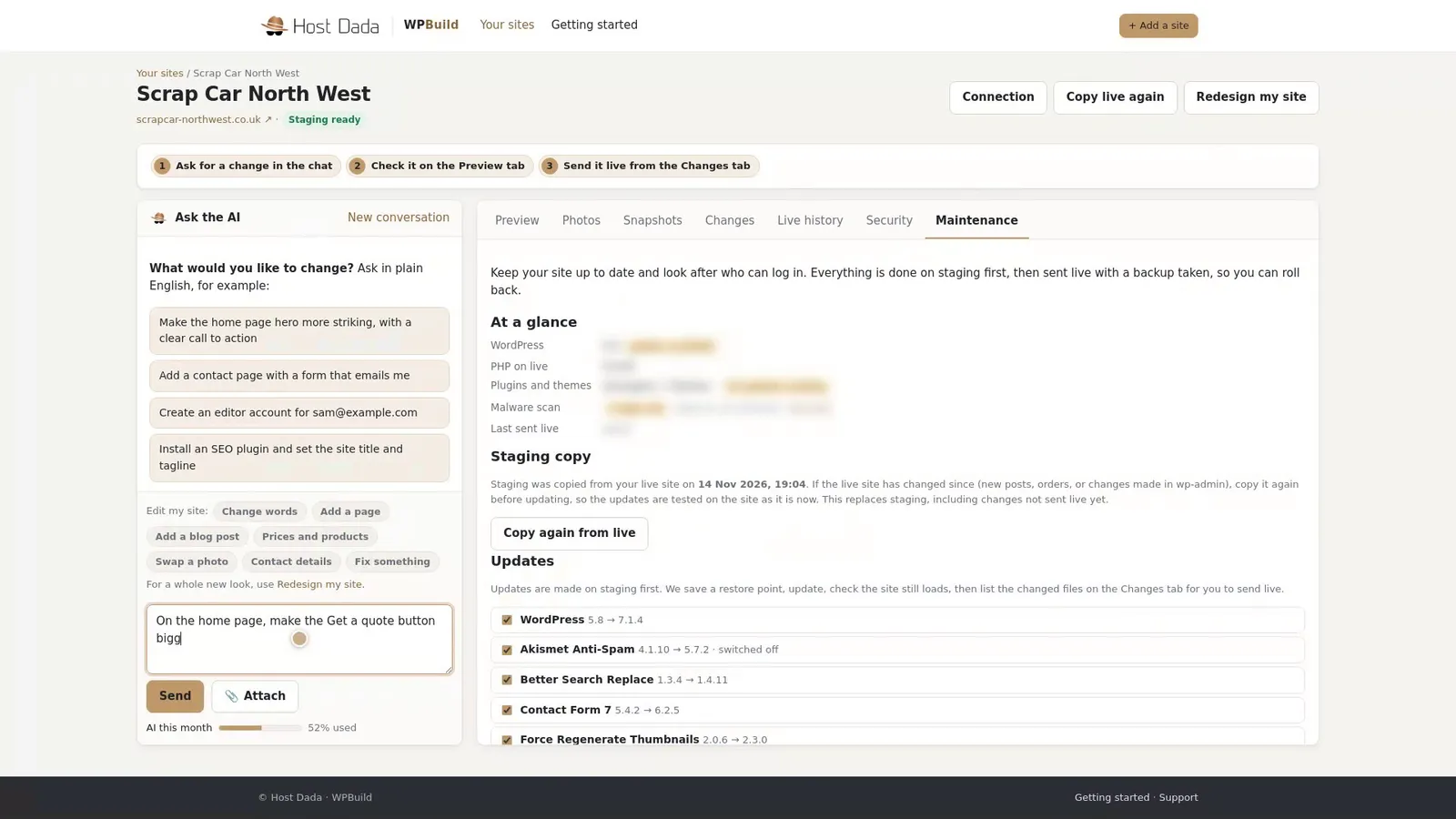 An example request, typed for this guide and not sent.
Troubleshooting
WPBuild can't connect
Check the FTP server, username and password with your hosting company, and try FTPS on port 21 first, then plain FTP. Some hosts only allow SFTP, which WPBuild doesn't support. Ask them to turn on FTP or FTPS for your account.
It can't find WordPress
If WordPress is in a sub-folder (for example public_html/blog), enter that under More options → WordPress folder.
My site uses an old PHP version
The staging copy shows a notice if your site runs on a PHP version that no longer gets security fixes. WPBuild moves the staging copy to a supported version after a set time, so you can check your site works before you change anything live.
Last reviewed: November 2026
