
Need help setting this up?
If you'd rather not deal with the technical side, we can fully set up and manage your Microsoft 365 for you — including email, DNS, and ongoing support.
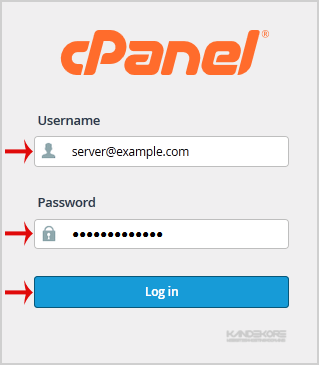
1. Open http://example.com/webmail, replace "example.com" with your domain name and enter your full email address and password in user login details and then press the "Login" Button.
2. You will be redirected to a cPanel Webmail Page. Click on any Webmail Email Reader like "Horde", "Roundcube" or "SquirrelMail".
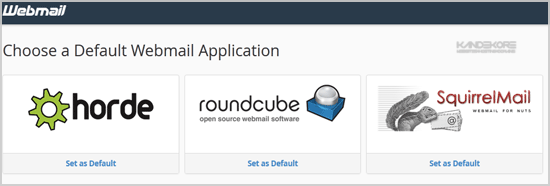
Once your Webmail Email Reader opens, you will be able to read your email and check your email inbox and junk email.
Related Guides
- Basic mailbox settings for Outlook and other email clients (POP/IMAP)
- Diagnostics log collection in Support and Recovery Assistant
- Add an Outlook.com or Office 365 account
- How to Create Email Account in the Control Panel
- Groups naming policy
Prefer us to handle this?
We provide fully managed Microsoft 365 setup and support — so you can focus on running your business.


